Visit management

Boost your sales team's productivity

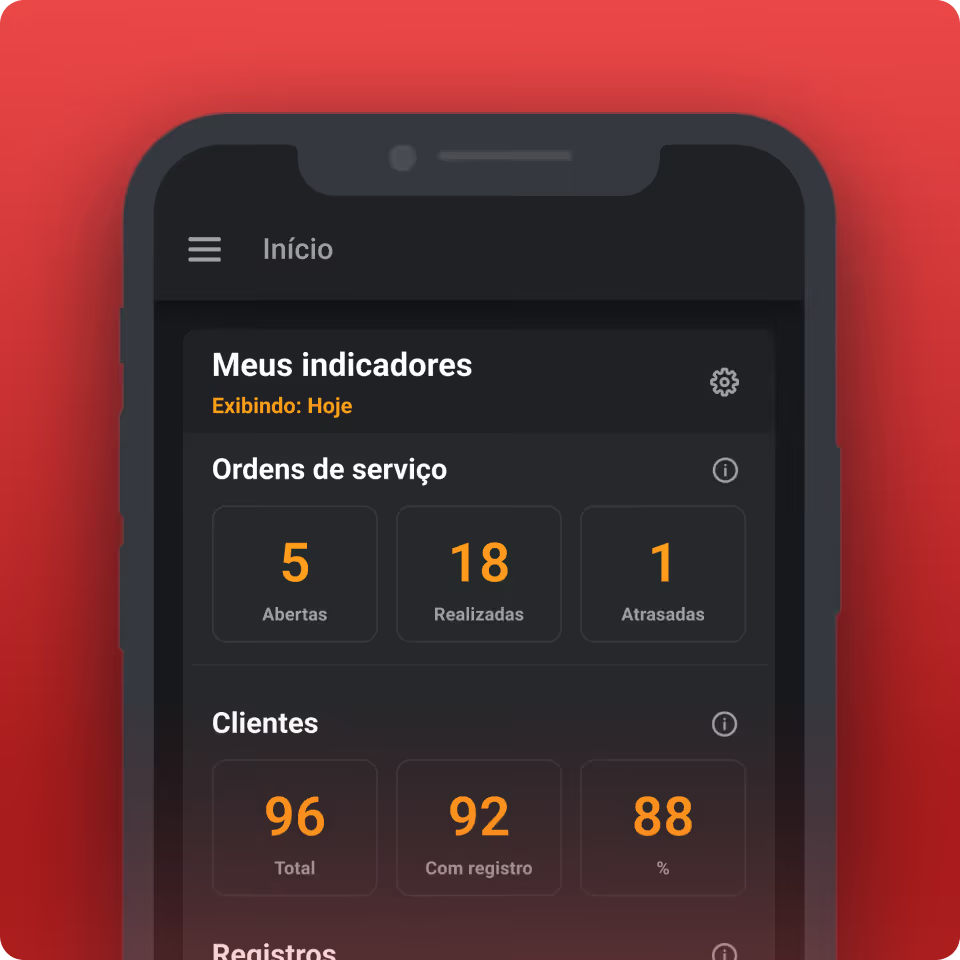
Track all visits made by your sales representatives through the operations map, analyze results on the dashboard, and maximize your productivity.


Innovative companies trust Checkmob to optimize their visit management
Essential KPIs

What are your sales team's results?

Number of companies prospected
Decision-maker contact rate
Number of visits per day
Sales cycle time
Number of visits per day
Portfolio coverage
Face-to-face rate
No-show rate
Checkmob - Software for managing field teams.
Software for field teams

We've considered every detail of your operation.

Visual control

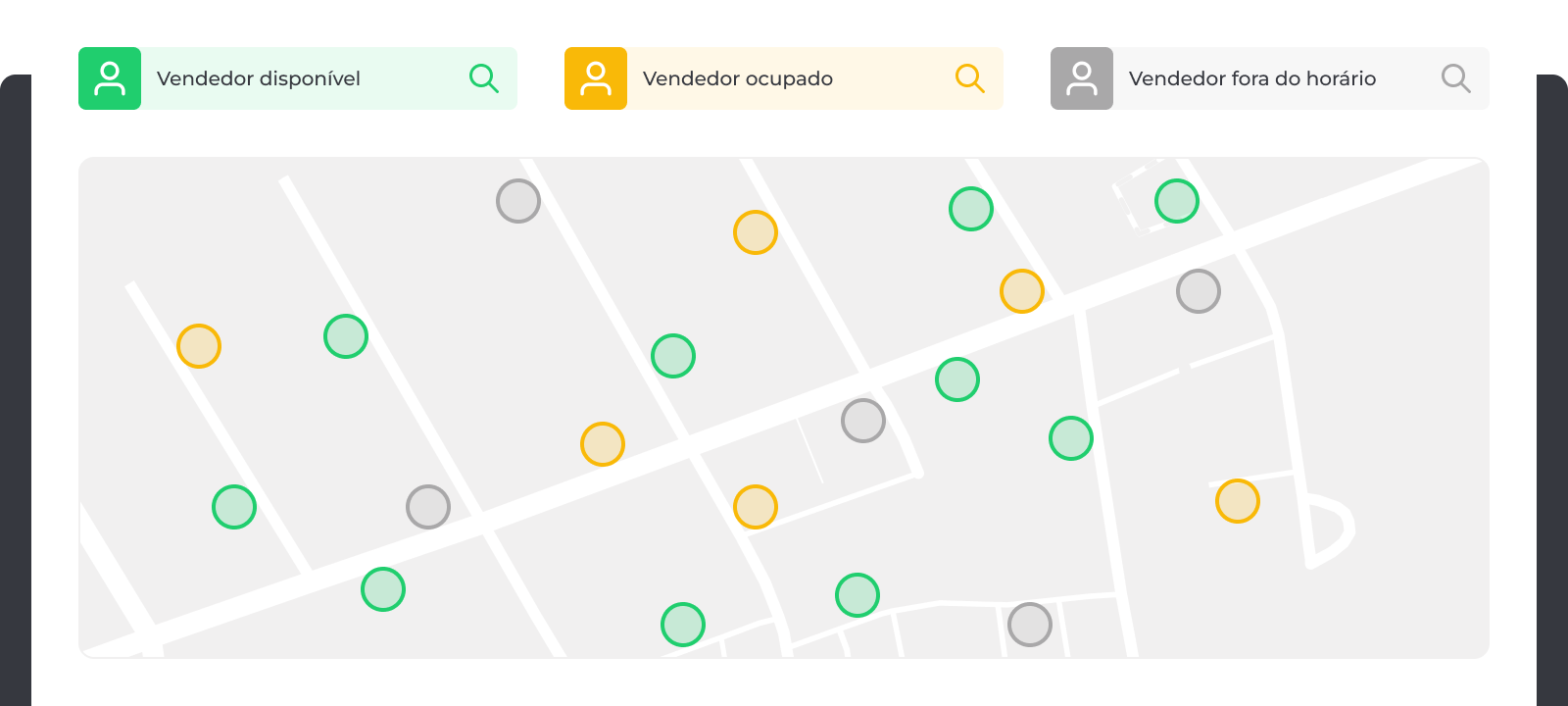
Manage unvisited clients and available nearby sales representatives using the Operations Map.

Custom checklists

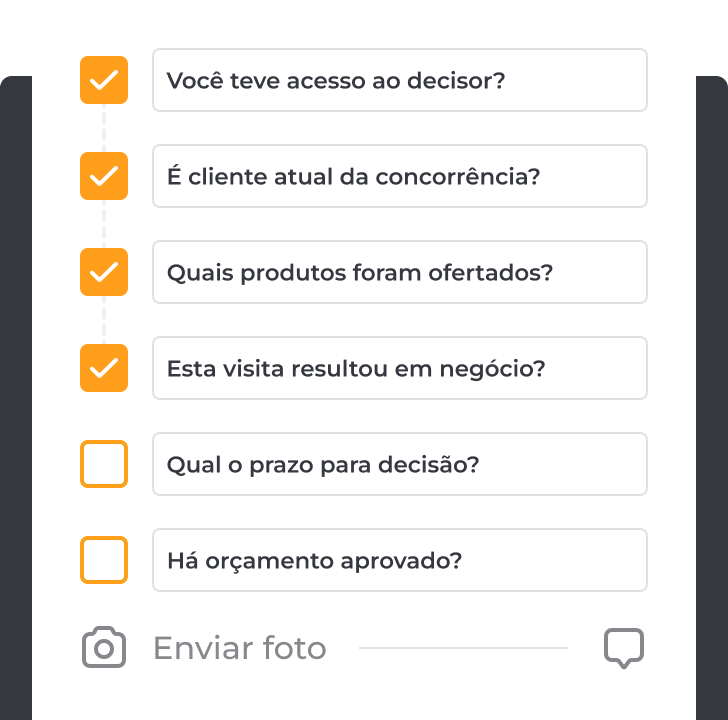
Create customized questions with various answer options and fields for photos or observations, as needed.

Sales funnel

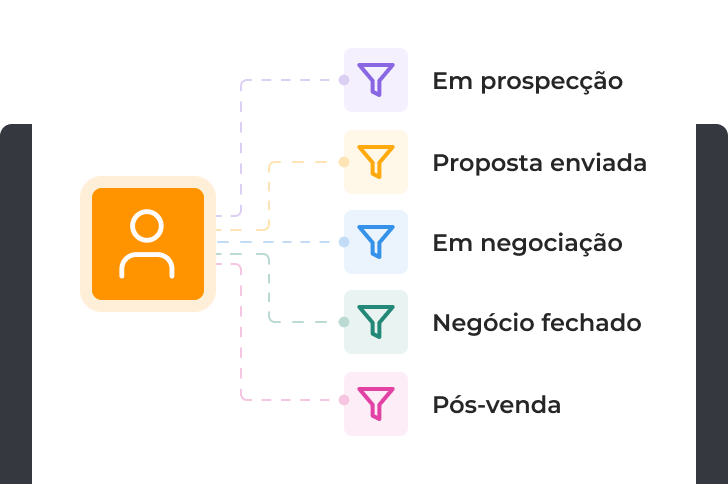
Track your clients' progress at each service stage through the CRM funnel steps.
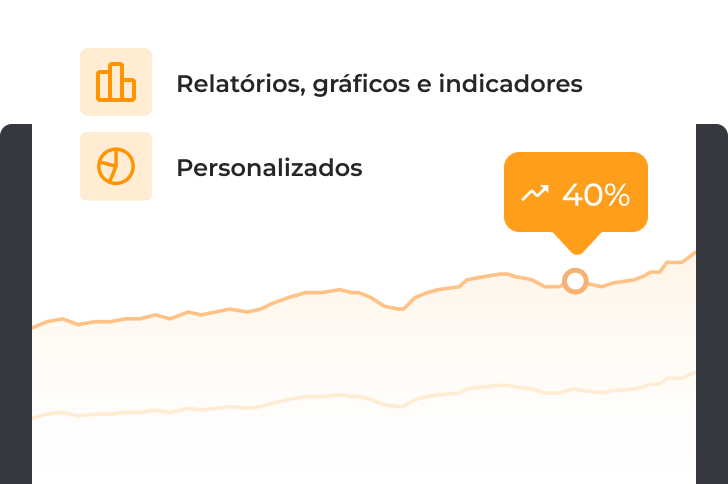
Data intelligence

Create customized dashboards, export reports to Excel Spreadsheets or PDF, and share viewing links.
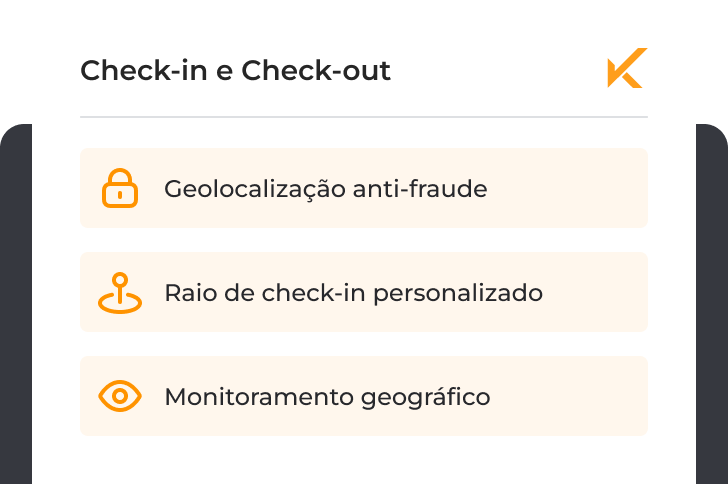
Security and Privacy

Prevent fraudulent practices throughout the sales process, ensuring data integrity.
Master consultative selling

Consortium

Insurance

Payments

Agribusiness

Resale

Technology

Know what's happening with your field sales reps and clients

Your sales rep in the right place at the right time

Manage your sales reps' schedules, time spent with clients, and routes for greater control.

Manage visits from a single screen

Using the Operations Map, you can track your sales reps' locations, see which clients have already been visited, and schedule appointments for those not yet covered.

Gain insights for operational improvement

With a personalized dashboard and based on information collected during visits, you can export reports and create public links to share dashboard views.

Checkmob - Software for managing field teams.

Challenges of visit management

Understand how all this is possible with Checkmob

Optimize every step, from planning to analysis, and unleash the full potential of your field sales team.

1

Plan your strategic visit schedule

Define checklists for sales reps to follow based on the visit's purpose.
Schedule visits for field reps to view directly in the app.
Import your customer base into Checkmob directly from an Excel file.
Organize visits based on routes and assigned sales reps.
2

Monitor visits and empower your team

3

Review completed visits in detail

4

Reduce rework and boost productivity

+5,000 Integrations available

Integrate with the market's leading tools

Connect easily with the most popular tools on the market, including CRMs, ERPs, and automation platforms.


Checkmob - Software for managing external teams.

What Our Clients Say

“Today, we no longer have concerns about control.”
“Checkmob has helped us increase our sales. To expand our team, we hired a new salesperson, and we'll likely have more people join the team in 2024 as well. Today, we no longer worry about controlling and tracking visits; with Checkmob, everything is smooth sailing.”
Gabriel Greter Angelo
Sales Manager
“What has really impressed me is the Operations Map.”
I like several Checkmob features, but what has really impressed me is the Operations Map; I can see my sales reps and clients being visited all on a single screen.
Adir Cruz
Sales Supervisor
“Increased our productivity”
“The software is intuitive, customizable, fast, and has excellent features for scheduling, routes, and agenda creation. It has simplified our daily routine, optimized processes, and increased our productivity. We know in real-time where the team is and have all visit information to make assertive decisions. I find the Check-in and Check-out system spectacular, as it records data, visits, and the exact time they occurred. The BI is quite complex but very efficient.”
Beatriz Isis Sulamites
Sales Analyst
“You see vast possibilities”
“One of the most important features I see in this software is the forms section. This greatly facilitated the system's implementation. Once you truly understand the system's logic, you see vast possibilities for control.”
Abimael M.
Operations Manager
“Higher quality analysis”
“Checkmob has been very useful for decision-making, providing managers with higher quality analysis and improving productivity during sales visits. We've been able to standardize visit scheduling, gain immediate access to photos and feedback, optimize sales reps' routes, and measure the number of visits, kilometers traveled, prospecting efforts, etc. We are very satisfied with the excellent service, follow-up, and support.”
Felipe Andrade
Sales Supervisor
“Extremely helpful in team management”
“The Checkmob tool has been extremely helpful in managing my team, both for the quality of information it provides and for its customization options. The support team has an excellent response time and is highly technical. With Checkmob, my entire management is at my fingertips.”
Tarsis Hermeto
Trade Marketing
“The tool is sensational”
“We have been working with Checkmob for over 4 years. We have experienced many benefits, with analyses and decision-making made easier. The tool is fantastic; it's an application with many features and has been praised by our sales team for its ease of use. But, more importantly, it's the solid partnership based on understanding and mutual support that we have built.”
Débora Cavalcante Vale
Sales Excellence Manager
“Increased our productivity”
“The software is intuitive, customizable, fast, and has excellent features for scheduling, routes, and setting up schedules. It has simplified our daily routine, optimized processes, and increased our productivity. We know in real-time where the team is and have all visit information to make informed decisions. I find the Check-in and Check-out system spectacular, as it records data, visits, and the exact time they occurred. The BI is quite complex, but very efficient.”
Beatriz Isis Sulamites
Sales Analyst
“Reduction in execution time”
“Checkmob, with its checklist software, greatly accelerated the digital transformation process of our operations, bringing more confidence to the inspections performed and providing us with a clearer overview. The reduction in activity execution time is an important point to highlight. The after-sales service is excellent, showing a commitment to considering and improving all raised points.”
José Francisco
IT and Automation Supervisor
“You see vast possibilities”
“One of the most important features I see in this software is the forms. This greatly facilitated the system's implementation. Once you truly understand the system's logic, you see vast possibilities for control.”
Abimael M.
Operations Manager
“Better quality in analysis”
“Checkmob has been very useful for decision-making, providing managers with better analysis quality and improving productivity during sales visits. We were able to standardize visit scheduling, get immediate access to photos and feedback, optimize sales representatives' routes, and measure the number of visits, kilometers traveled, prospecting efforts, etc. We are very satisfied with the excellent service, follow-up, and support.”
Felipe Andrade
Sales Supervisor
“Very helpful for team management”
“The Checkmob tool has been incredibly helpful in managing my team, both for the quality of information and the ability to customize the tool. The support team has an excellent response time and is highly technical. With Checkmob, my entire management is at my fingertips.”
Tarsis Hermeto
Trade Marketing

Frequently asked questions

Checkmob allows for efficient management of field teams by organizing visits, optimizing service routes, tracking movements in real-time, and ensuring that data collected during visits is available to the manager in a structured format. This eliminates the need for spreadsheets, paper notes, and manual processes, leading to greater control and productivity.

Yes, Checkmob allows integrations with over 5,000 software applications. This enables connecting the platform to CRMs, ERPs, BI systems, communication tools, and much more.

Yes. Once the field user is logged into the app, they can access all information and input data offline. The information will sync with the web and update upon the next connection to Wi-Fi or a mobile data network. Additionally, managers can view the timestamp of completed activities and when that information was submitted in the history.

Yes, Checkmob offers hundreds of customizable parameters. With the support of our specialists, your account will be tailored to precisely meet your company's needs and processes.

Contact

Schedule a demo

With our software, you gain full control over your field team's visits, activities, and territories.